Artificial Intelligence (AI) is no longer something only tech experts use. Today, AI tools are available for everyone, from students and freelancers to business owners and content creators. If you are new to AI, this beginner-friendly guide will help you understand what AI tools are, how they work, and how you can start using them easily.
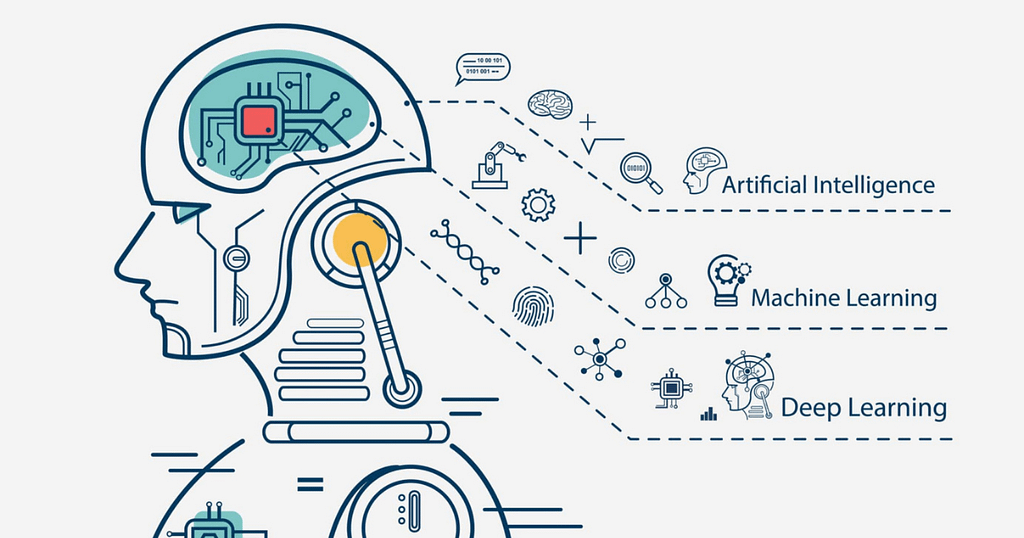
What Are Artificial Intelligence Tools?
Artificial intelligence tools are software programs that use smart technology to perform tasks that normally require human intelligence. These tasks include writing, designing, analyzing data, solving problems, and even talking like humans.
In simple words, AI tools help you save time, work faster, and improve your results without needing advanced skills.
Why AI Tools Are Important Today
AI tools are becoming popular because they make life easier. Here are some key reasons why people are using them:
Time-saving – AI can complete tasks in seconds that take hours manually
Easy to use – Most tools are beginner-friendly
Cost-effective – Many AI tools are free or affordable
Boost productivity – Helps you do more work in less time
Creative support – Great for writing, designing, and idea generation
Whether you are a student or running a business, AI tools can give you a strong advantage.
Types of AI Tools You Should Know
There are many types of AI tools available. Let’s look at the most common ones:
1. Writing and Content Creation Tools
These tools help you write articles, blogs, emails, and social media posts.
Examples:
- ChatGPT
- Jasper AI
- Copy.ai
They are perfect for beginners who want to create content quickly and easily.
2. Image and Design Tools
AI design tools can create images, logos, and graphics in seconds.
Examples:
- Canva AI
- MidJourney
- DALL·E
You just type what you want, and the tool creates it for you.
3. Video and Editing Tools
These tools help in video creation, editing, and subtitles.
Examples:
- Pictory
- Synthesia
- Runway ML
They are great for YouTubers and social media creators.
4. AI Chatbots and Assistants
These tools can talk, answer questions, and help with daily tasks.
Examples:
- ChatGPT
- Google Gemini
- Microsoft Copilot
They act as a personal assistant for your work.
5. Data Analysis Tools
AI can also analyze data and give insights.
Examples:
- Tableau AI
- Power BI
- Google Analytics AI
These are useful for businesses and marketers.
How Do AI Tools Work?
AI tools work using something called machine learning. This means they learn from data and improve over time.
Here’s a simple process:
- AI collects data
- It learns patterns from that data
- It gives results based on what it learned
For example, when you ask an AI writing tool to create an article, it uses past data to generate a new and meaningful response.
Benefits of Using AI Tools
Using AI tools can bring many benefits:
✔ Save Time
Tasks like writing or editing can be done in seconds.
✔ Improve Accuracy
AI reduces human errors and gives better results.
✔ Increase Creativity
It helps generate new ideas when you feel stuck.
✔ Easy for Beginners
No technical skills are required for most tools.
Challenges of AI Tools
While AI is helpful, it also has some limitations:
- Not always 100% accurate
- Needs human checking
- Can lack creativity sometimes
- Privacy concerns
So, it’s important to use AI wisely and always review the output.
How to Start Using AI Tools
If you are a beginner, follow these simple steps:
Step 1: Choose the Right Tool
Start with easy tools like ChatGPT or Canva.
Step 2: Learn Basic Commands
Write simple instructions (called prompts).
Example: “Write a blog about healthy food.”
Step 3: Practice Regularly
The more you use AI, the better results you get.
Step 4: Edit the Output
Always check and improve the AI-generated content.
Tips for Beginners
- Start with free tools
- Keep your prompts clear and simple
- Don’t rely 100% on AI
- Use AI as a helper, not a replacement
- Stay updated with new tools
Future of AI Tools
The future of AI is very bright. AI tools are improving every day and becoming more
powerful. In the future, we can expect:
- More smart assistants
- Better content creation tools
- Advanced automation
- AI in every industry
Learning AI today can help you stay ahead in your career and business.
(FAQs)
1. What is the best AI tool for beginners?
For beginners, tools like ChatGPT and Canva AI are the best because they are easy to use and don’t require technical skills.
2. Are AI tools free to use?
Many AI tools offer free versions with basic features. However, advanced features may require a paid subscription.
3. Can AI tools replace human jobs?
AI tools can help automate tasks, but they cannot fully replace humans. They work best as assistants, improving productivity.
4. Do I need technical skills to use AI tools?
No, most AI tools are designed for beginners and are very easy to use. You only need to learn basic instructions.
Conclusion
Artificial intelligence tools are changing the way we work and live. They are easy to use, powerful, and helpful for beginners. Whether you want to write content, design images, or save time, AI tools can make your life easier. If you are just starting, don’t worry. Begin with simple tools, practice regularly, and slowly explore more advanced features. With time, you will become confident in using AI tools effectively.